
Tower Rush App — how to install the game without the App Store
Tower Rush, a crash game from provider Galaxsys, can be launched right from your phone, with no extra files cluttering your device and no lengthy updates. This page covers how to run the game on Android and iOS, what sets an APK file apart from the PWA option, what device specs you need, and what to do if the app runs unstably. The material suits anyone already familiar with the rising-tower mechanic who wants to move it onto a smartphone or tablet.
One important point up front. Due to Google Play and App Store policies on gambling software, there is no standalone "Tower Rush" app in the official stores. The game is available through an APK file from a partner casino or through a PWA install, and both options give full access to the same engine, the same payout rate, and the same bonus floors as the browser version.
Exclusive Tower Rush deposit bonus for new players
New players can triple their starting balance with an exclusive 200% bonus on their first deposit! This means you can boost your bankroll and take on Tower Rush with even more confidence and bigger bets. Don't miss out—claim your 200% deposit bonus today and stack your winnings higher than ever!
How the Tower Rush app works
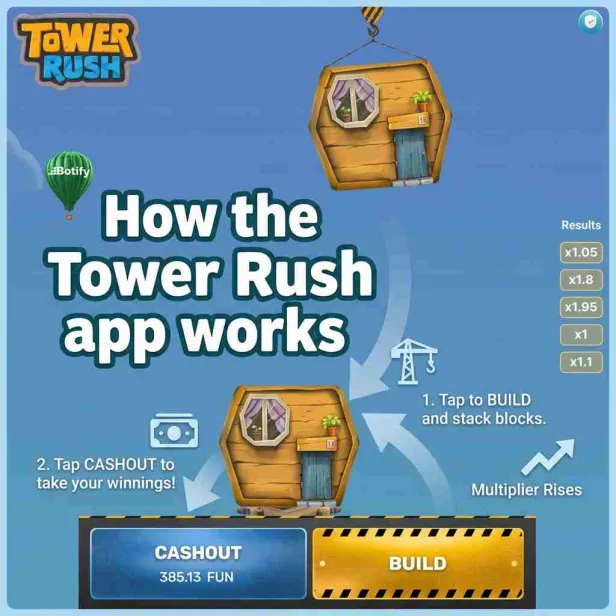
Tower Rush has no separate executable file that runs the game outside the casino. The app is, essentially, a wrapper around the same HTML5 engine from Galaxsys that runs in the desktop browser. RTP, volatility, and the three bonus floors (Frozen, Temple, Triple Build) are identical across platforms: the phone doesn't change the game's math, only the way you access it.
Players have two installation routes available:
- Android APK: a file downloaded directly from the partner casino's website and installed like a regular app;
- PWA (Progressive Web App): a lightweight web version added to the home screen through the browser, opening without an address bar.
The choice depends mainly on the operating system. Android supports both options, while on iOS, due to Apple's restrictions, PWA through Safari remains practically the only working method.
Installing on Android: APK and PWA
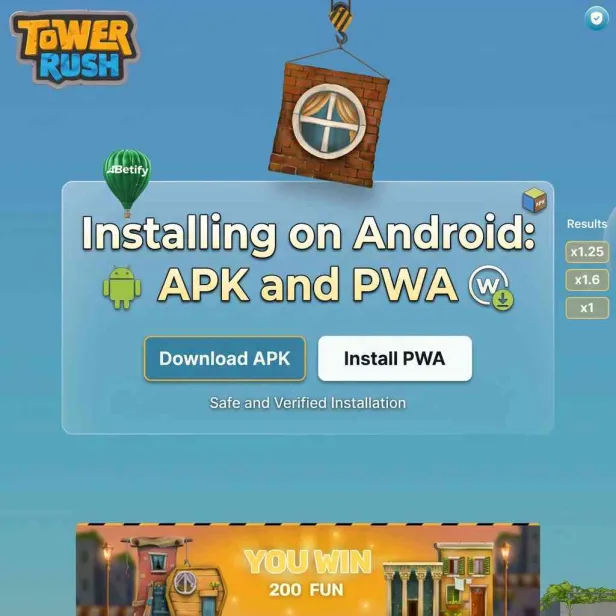
Before downloading the APK file, you need to allow app installs from sources other than Google Play. Without this, the system blocks the file right after download.
Installing via APK
- Open the website of a partner casino that supports Tower Rush.
- Find the app download button. It's usually located near the top of the page or in the site header.
- Download the APK file.
- Go to Settings → Security and enable "Install from unknown sources."
- Open the downloaded file and confirm the installation.
- Launch the app, log into your account, and start playing.
Installing via PWA in Chrome
- Open the Chrome browser on your Android device.
- Go to the casino website with Tower Rush.
- Tap the three-dot menu in the top right corner.
- Select "Add to Home screen."
- Confirm the name and tap "Add."
The icon will then appear on your phone's home screen and will open the game in full-screen mode, without the browser bar on top.
Installing on iOS: the Safari method
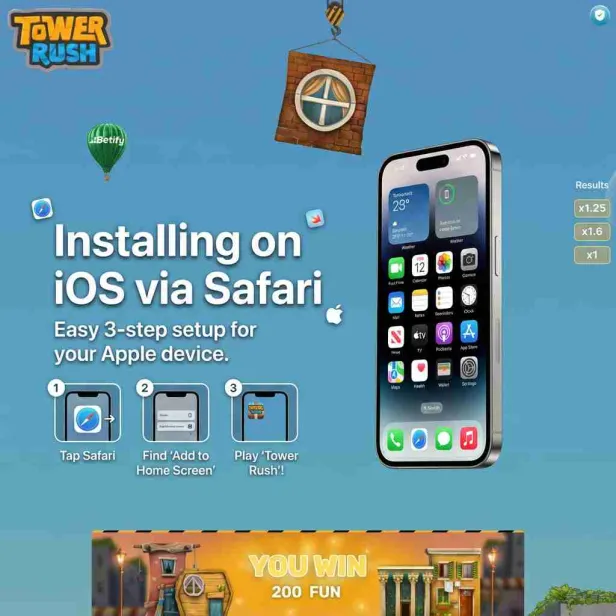
On iPhone and iPad, a native APK won't work. Apple doesn't allow installing apps outside the App Store, and gambling software rarely appears there, only in select regions. The working option is adding the site to your home screen through Safari.
- Open Safari (only this browser supports PWA installation on iOS).
- Go to the partner casino's website.
- Tap the Share icon in the bottom bar.
- Scroll down and select "Add to Home Screen."
- Set a name and tap "Add."
The finished icon opens the game in full-screen mode, without an address bar or bookmarks. Visually, it's almost indistinguishable from a regular App Store app.
System requirements for mobile play
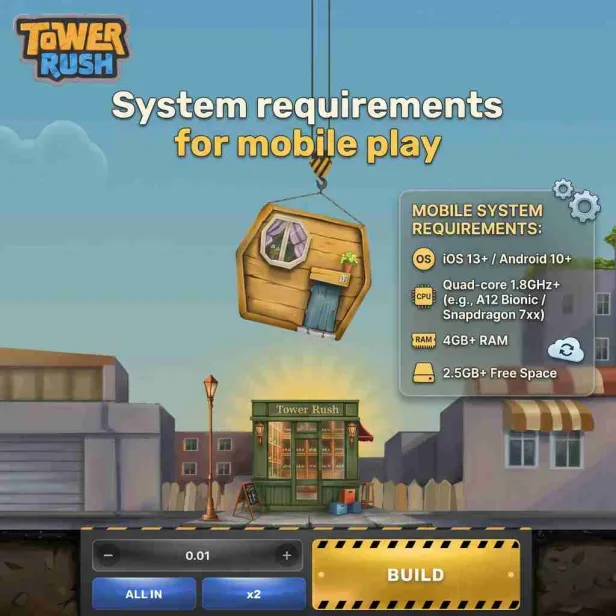
Tower Rush is a lightweight game that doesn't demand powerful hardware. Below are the rough minimum specs for stable performance.
| Parameter | Android | iOS |
|---|---|---|
| OS version | 6.0 or higher | 12.0 or higher |
| RAM | 2 GB minimum | 2 GB minimum (iPhone 6s and newer) |
| Free storage | 10–50 MB for PWA, up to 80 MB for APK | around 10 MB for PWA |
| Browser | Chrome or a Chromium-based equivalent | Safari only |
| Internet | stable 3G/4G or Wi-Fi | stable 3G/4G or Wi-Fi |
Data usage is low: a single gaming session typically uses just a few megabytes, so even an unstable mobile connection rarely gets in the way.
How the mobile version differs from desktop
It's the same game. The difference lies in the interface and how convenient it is to use on the move.
| Parameter | Mobile version | Desktop |
|---|---|---|
| Game engine | same | same |
| RTP | 96.17–97% | 96.17–97% |
| Provably Fair | yes | yes |
| Controls | touch | mouse and keyboard |
| Access | anywhere with a connection | tied to your desk |
| Bonus push notifications | yes (via APK) | no |
| Fingerprint / Face ID login | yes, if supported by the casino | no |
If you want a better grasp of the game's underlying logic before moving to real-money play, check out the Tower Rush strategies page in advance. The principles stay the same in both the browser and the app.
Common installation problems and how to fix them
A few situations players run into most often, and how to resolve them.
- The system blocks APK installation. Check that "Unknown sources" is enabled specifically for the browser you used to download the file. On Android 8.0 and newer, this is configured separately per app.
- The PWA won't save to the iPhone home screen. Make sure you're using Safari, not Chrome. On iOS, PWA installation only works through Safari.
- The game loads slowly. Switch from mobile data to Wi-Fi and close background apps to free up device memory.
- After installing, the game looks different from the screenshots. Clear your browser cache and refresh the page: sometimes an outdated version of the interface gets loaded.
Before playing for real money, it's worth checking out other players' experiences. The Tower Rush reviews page is useful for this, gathering impressions of the game across different platforms, including mobile.
What to choose: APK, PWA, or browser
There's no single right answer here, it all depends on the player's habits and device. APK suits those who want push notifications about bonuses and prefer a classic app icon among their other installed programs. PWA is more convenient for iPhone users and for anyone who doesn't want to use up device storage with an installer file: it updates automatically, with no reinstall needed.
Playing right in the browser without saving anything to the screen is the fastest way to test the mechanics, especially if you're not yet sure you'll play regularly. For a first look at the game, you don't need to install anything: you can open the Tower Rush demo directly in your browser and try out the mechanics without registering and without any risk.
Security of mobile access to the game
Since the APK isn't downloaded from Google Play, some players naturally have security questions. The risk is minimal if you follow one simple rule: only download the file from the partner casino's official website, not from third-party APK aggregators. That's where infected file versions are most often spread.
It's also worth checking that the site address in your browser matches the casino's official domain, rather than just looking similar to it. Biometric login with a fingerprint or Face ID, where the casino supports it, adds an extra layer of account protection when logging in from your phone.
Where to start playing on your phone
A sensible order to follow: first get familiar with the game mechanics in demo mode, then, if you'd like, choose your installation format (APK or PWA) based on your device, and only after that move on to playing for real funds. This lowers the chance of disappointment and helps you get used to the pace of the game on a smaller screen faster.
The storage requirements, OS versions, and Safari/Chrome specifics covered above may vary slightly depending on the specific partner casino. So it's worth checking the current information directly on your chosen platform's website before installing.
For more on the game itself and the round rules, see the Tower Rush home page: it gathers the basic information useful regardless of whether you're playing from your phone or your computer.
Frequently Asked Questions About the Tower Rush App
Can you play Tower Rush without installing an app
Yes, the game is fully playable in a mobile browser with no files to download. It is the fastest way to start, but without push notifications or a home screen icon
Why is Tower Rush not on Google Play or the App Store
Gambling apps fall under the restrictions of both store policies, so casinos distribute the game through an APK on Android and through a PWA install on iOS
Does the payout rate differ between mobile and desktop
No, RTP, volatility and the bonus floors are identical on every platform since they all run the same Galaxsys engine
What to do if the APK file will not install
Check that installs from unknown sources are allowed in your security settings, and confirm the file was downloaded from the casino official website rather than a third party source
Does the PWA version work without internet
No, a stable connection is required to start a round since every result is calculated server side using Provably Fair technology
How much storage does the mobile game use
The PWA version uses roughly 10 to 50 MB, while the APK file usually takes up to 80 MB depending on the casino
